INTEGRATIONS
Spotter works where you work
Seamlessly integrate Spotter into your CI/CD pipelines, code editors, and workflow tools. Wherever you do your best work, Spotter is right by your side.
TRUSTED BY






KEY BENEFITS
Build smarter workflows with Spotter

Work in context
Spotter fits into the tools you already use – no extra steps or switching between apps.

Catch issues early
Automate checks in your CI/CD pipelines or code editors to catch errors and security issues before they reach production.

Boost productivity
Let your team focus on what matters most while Spotter monitors potential problems and delivers actionable insights.
Safeguard Ansible Automation Platform Workflows
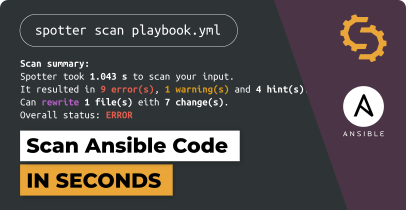
Integrate validation directly into your Red Hat Ansible Automation Platform workflows to catch issues before execution and respond to unexpected errors at runtime. Build reliable automation with fewer failures and disruptions.
Learn more about the Spotter integration with Ansible Automation Platform


Related resources




Contact our team
Get all questions answered and learn about Steampunk Spotter for enterprises.
- Schedule a demo
- Get pricing information
- Explore use cases for your team


Processing, please wait...
Thank you for reaching out to us
We will get back to you shortly.
FAQ
Which CI/CD tools does Spotter support?

Spotter integrates with GitLab, GitHub Actions, Jenkins, and Bamboo.
Can I use Spotter in my local development environment?
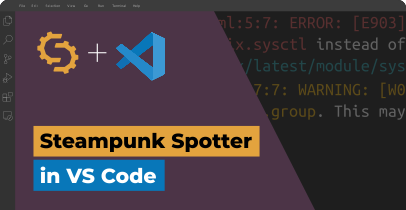
Yes! Spotter integrates with Visual Studio Code for real-time feedback as you code.
How do I set up an integration?
Setup is simple. Install Spotter in your workflow or editor, configure a few settings, and you’re ready to go. For detailed step-by-step instructions, check out our Getting Started Guide.
Can Spotter scan multiple projects or repositories?
Absolutely. Spotter can run checks across multiple repositories and pipelines at once.