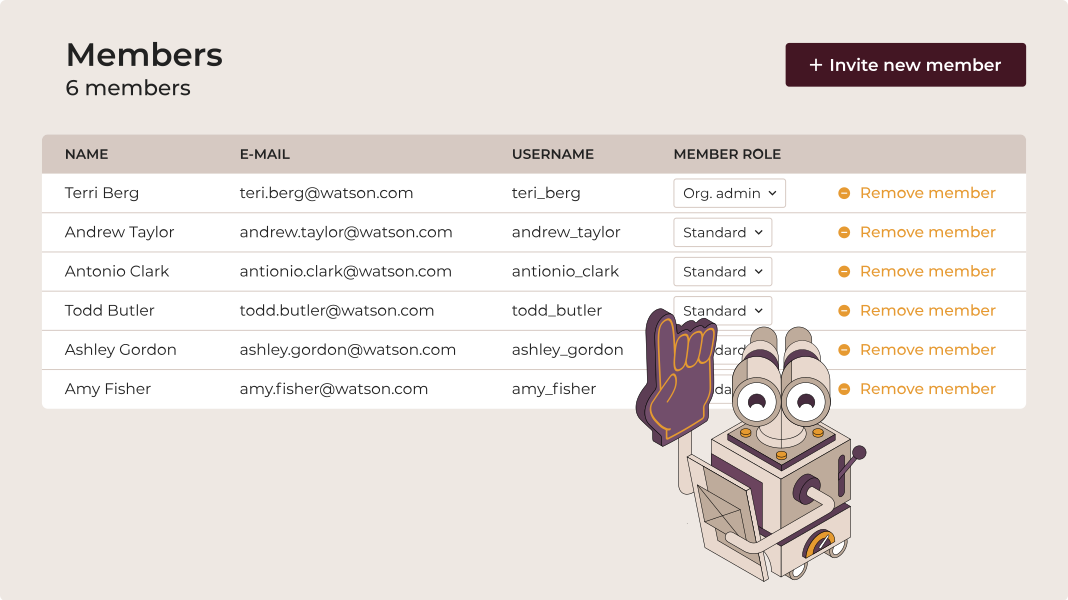






Organize your team
Spotter lets you add and manage members in your organization, assigning appropriate roles and access. You can also create organizations to manage scan results for different teams or projects, keeping visibility, clarity, and control over automation activities.
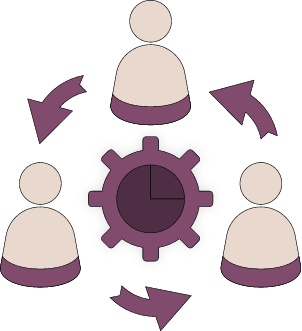
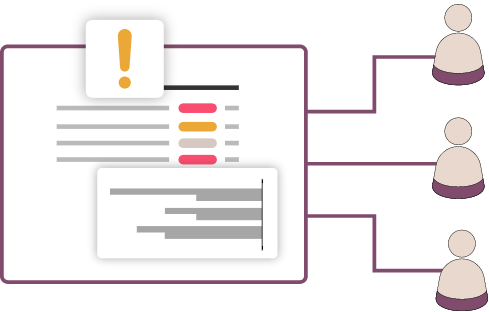
Share and collaborate
Work in a shared workspace where teams can exchange best practices, reduce debugging time, and stay aligned. Collaboration tools help your team deliver automation faster and more reliably.
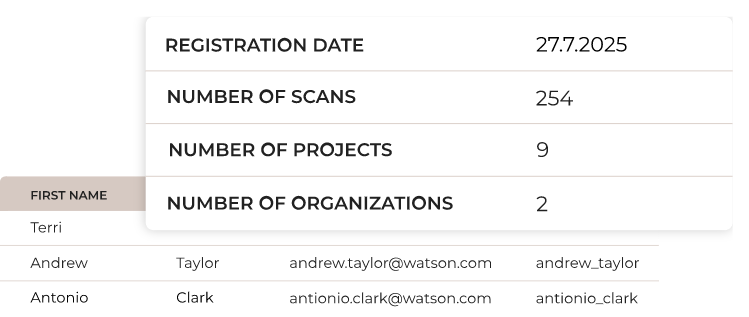
Track user activity
Spotter provides insights into user activity so you can see how your team works, understand challenges, and support them where needed. Monitor contributions and progress to optimize workflows and improve efficiency.
Contact our team
Get all questions answered and learn about Steampunk Spotter for enterprises.
- Schedule a demo
- Get pricing information
- Explore use cases for your team


Processing, please wait...
Thank you for reaching out to us
We will get back to you shortly.
FAQ
How do I add a new team member?

You can add new team members in the Spotter app by sending them an invitation to join your organization. Once accepted, they can access shared projects, and you can manage their roles or remove them at any time.
Can I organize teams or projects separately?
Yes. You can create multiple organizations to group teams or projects, keeping work organized while maintaining visibility across all automation activities.
How does the shared workspace work?
Spotter’s shared workspace allows teams to work together on projects, share best practices, and track progress in real time.
Can I track what my team is working on?
Yes. Real-time activity insights show who is active, what projects they’re working on, and the challenges they’re facing.
Can multiple teams collaborate on the same project?
Absolutely. Spotter’s shared workspace allows cross-departmental collaboration on the same project while keeping roles and access clear.
Do all team members see the same information?
No. Access is role-based. Admins can manage permissions, while regular users only see projects and data relevant to their role.