ANALYTICS AND REPORTING
Get full visibility into your automation
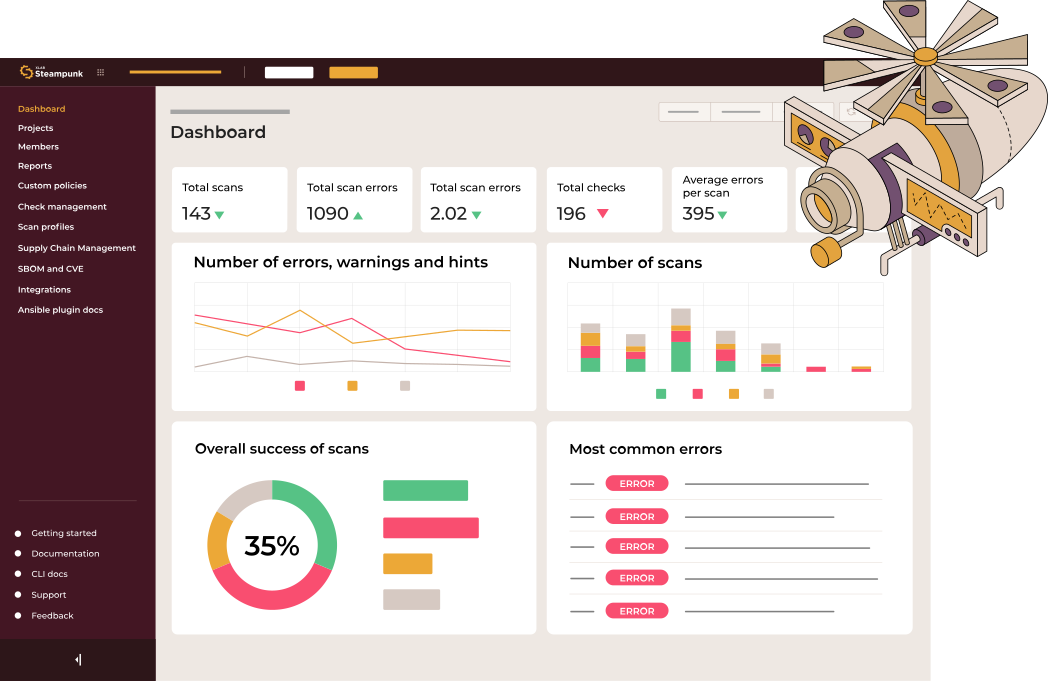
Spotter’s analytics and reporting bring all your Ansible automation scan data into one clear, actionable view.
- 6 predefined reports
- High-level overviews
- Real-time tracking
- Daily scan statuses
TRUSTED BY






KEY BENEFITS
From scan data to smarter decisions

Complete visibility across your automation
Get a unified view of all scan results, playbook health, errors, and trends in one place.

Reporting that goes beyond scan results
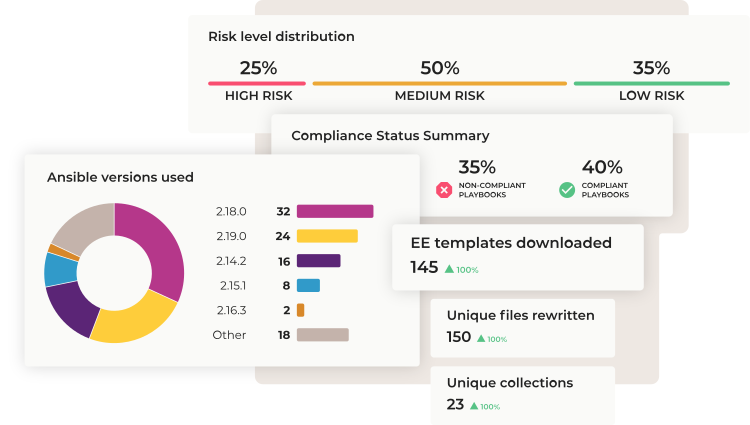
Go deeper with reports on user activity, project usage, security posture, upgrades, and execution environments to understand performance over time and across teams.

Faster, smarter decision-making
Dashboards and predefined reports turn complex scan data into clear insights that help teams quickly identify issues and track progress.
DASHBOARD
Gain real-time insights
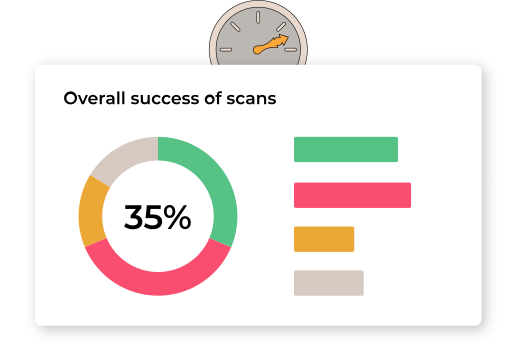
Dashboards give teams a centralized view of scan activity, critical errors, and playbook performance. With real-time visibility into daily scans and overall playbook status, teams can quickly understand what’s working and what needs attention.

Errors
Warnings
Hints
Rewrites
Time savings
REPORTS
Advanced playbook insights for smarter decisions
Reports provide a deeper understanding of playbook performance across users, projects, security, upgrades, and environments. They highlight trends and potential areas for improvement, supporting informed, data-driven decisions.
User activity
Check results
Security report
Upgrade report
Environment report

“Being able to export reports and share them with our team has been a game-changer. We love how simple and powerful this feature is!“
Automation Engineer,
Fortune 500
Fortune 500
Related Resources
Steampunk Spotter app: Gain Insights into Ansible Automation Performance, Health, and Security
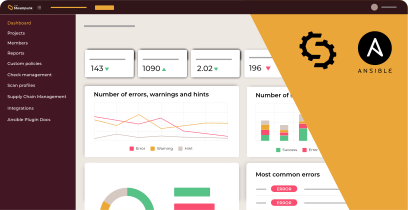
Steampunk Spotter app: Insights for your scans

Meet the Spotter Crew’s Data Storyteller – Dash 804RD
Contact our team
Get all questions answered and learn about Steampunk Spotter for enterprises.
- Schedule a demo
- Get pricing information
- Explore use cases for your team


Processing, please wait...
Thank you for reaching out to us
We will get back to you shortly.
FAQ
What kind of reports does Spotter provide?

Spotter offers six predefined reports, including high-level overviews, daily scan statuses, and real-time tracking, helping teams understand automation performance at a glance.
Can I track my automation in real time?
Yes. Spotter provides real-time tracking so you can monitor automation scans as they happen and quickly respond to any issues.
How can I get a complete view of all scan results?
Spotter consolidates all scan data, playbook health, errors, and trends into one unified dashboard, giving you full visibility across your automation.
Does Spotter provide insights beyond scan results?
Absolutely. You can access reports on user activity, project usage, security posture, system upgrades, and execution environments to understand performance over time and across teams.
How does analytics help my team make better decisions?
Reports and dashboards transform complex scan data into actionable insights, helping teams quickly identify issues, monitor progress, and make data-driven decisions faster.
Can reports be exported?
Yes. Reports can be exported, so you can share insights with stakeholders.